How to Set Up IPTV on Firestick & Android: A Step-by-Step Guide
Learn how to install and configure IPTV on your Firestick, Android box, or Smart TV with our easy, step-by-step Irish streaming guide.

Welcome to IPTV Ireland TV, your premier source for high-quality streaming in the Emerald Isle. If you have recently decided to cut the cord and move away from traditional cable, you are likely looking for the best way to get your new service up and running.
Setting up IPTV might seem technical at first, but it is actually a straightforward process that takes less than ten minutes. Whether you are using an Amazon Firestick, a dedicated Android TV box, or a modern Smart TV, this guide will walk you through the essential steps to unlock a world of live sports, movies, and international channels.
Preparing Your Firestick for IPTV
The Amazon Firestick is the most popular device for IPTV in Ireland due to its portability and power. However, because most high-quality IPTV players are not hosted directly on the Amazon Appstore, you must first prepare the device to accept third-party applications.
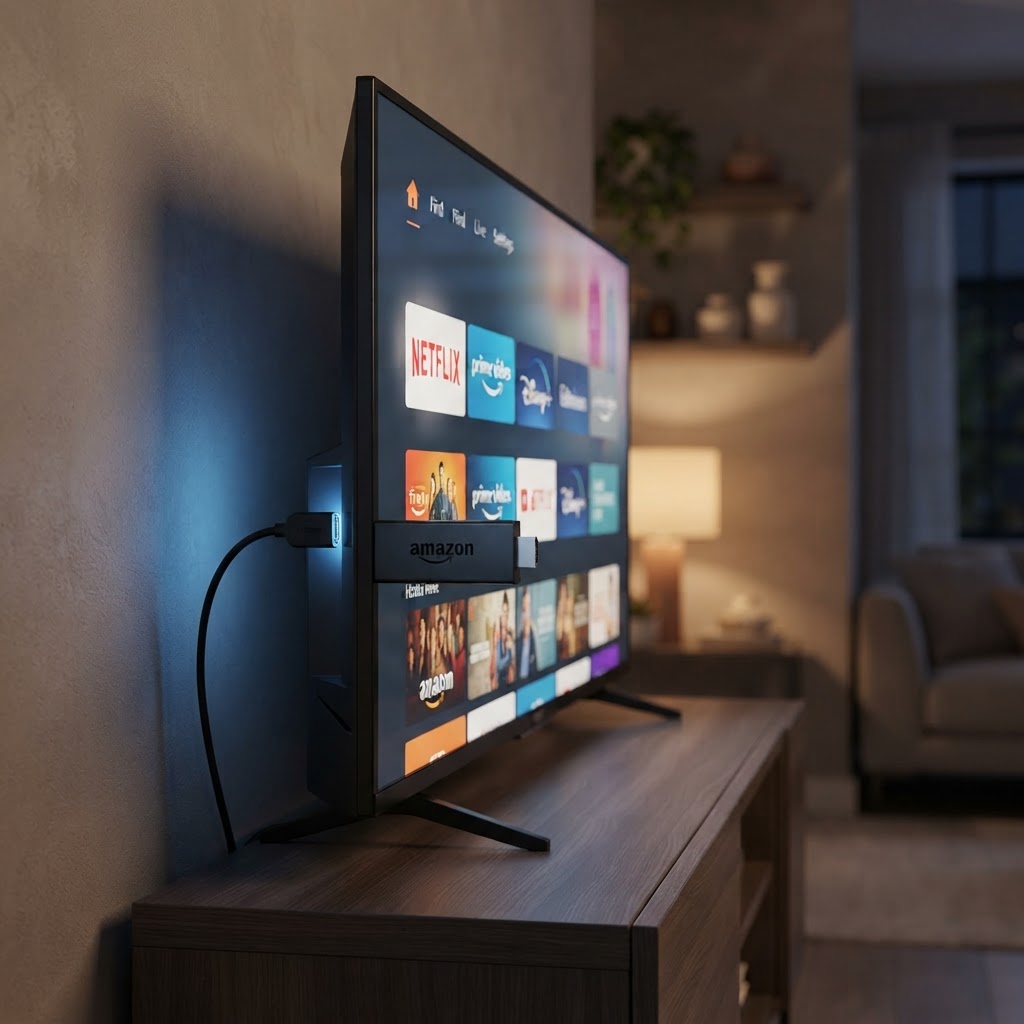
- Enable Developer Options: Navigate to Settings > My Fire TV > About. Highlight the name of your device and click the select button on your remote seven times until a message says "You are now a developer."
- Allow Unknown Sources: Go back to My Fire TV, select Developer Options, and ensure Install Unknown Apps (or Apps from Unknown Sources) is turned ON for the Downloader app.
- Install the Downloader App: Go to the Find/Search bar on your home screen, type "Downloader," and install the orange icon app. This is a verified tool available on the Amazon Appstore.
Installing the Best IPTV Players
Once your device is ready, you need a "Player" app. Think of this like a web browser for your TV; the app is the tool, and your IPTV subscription provides the content.
For the best experience, we recommend two specific apps:
- TiviMate: Widely considered the gold standard for Android-based devices. It offers a professional EPG (Electronic Program Guide) that feels just like a premium satellite box. You can find it on the Google Play Store.
- IPTV Smarters Pro: A versatile, user-friendly option that works on almost every platform, including iOS and Android. It is highly reliable and supports multiple playlists. Visit the official IPTV Smarters website for more details.
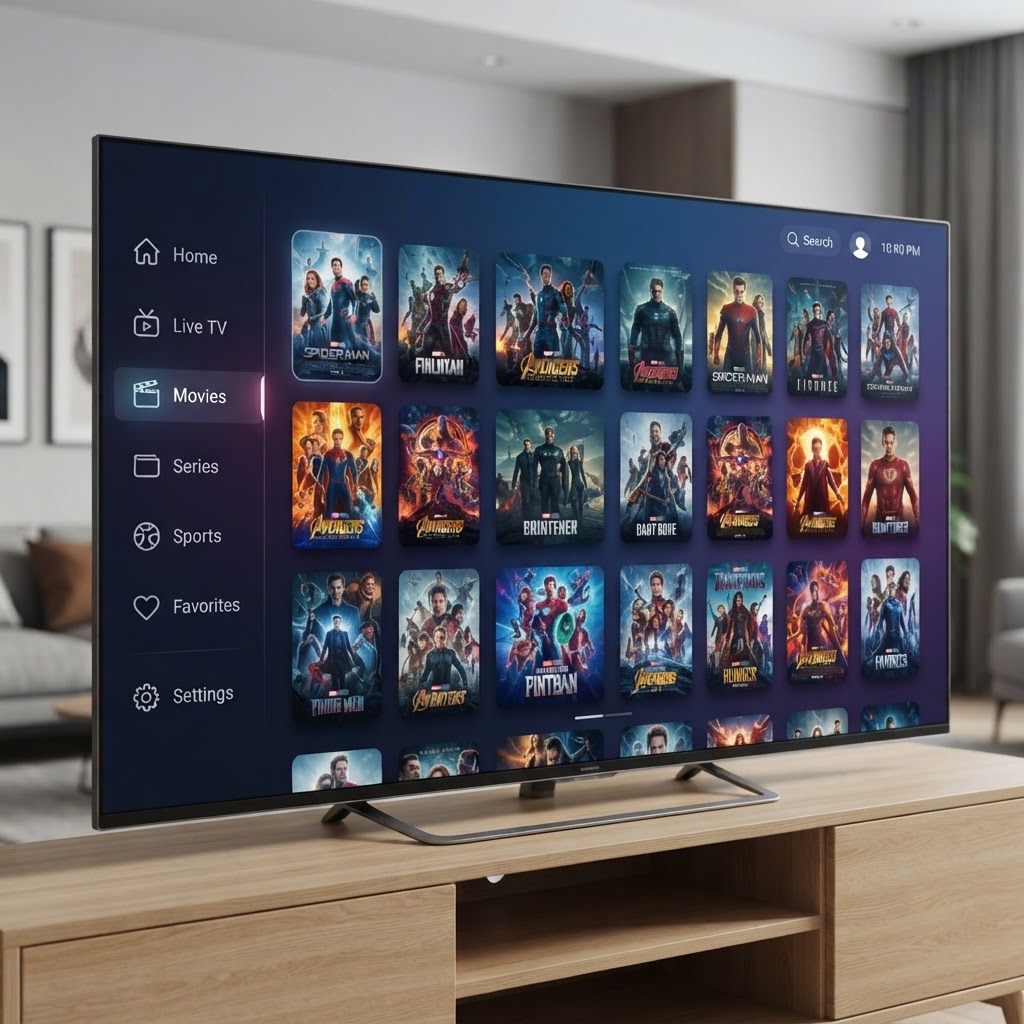
To install these on a Firestick, open the Downloader app and enter the direct URL or shortcode provided by your service provider. Once the APK file downloads, click Install and then Open.
Configuring Your Subscription Details
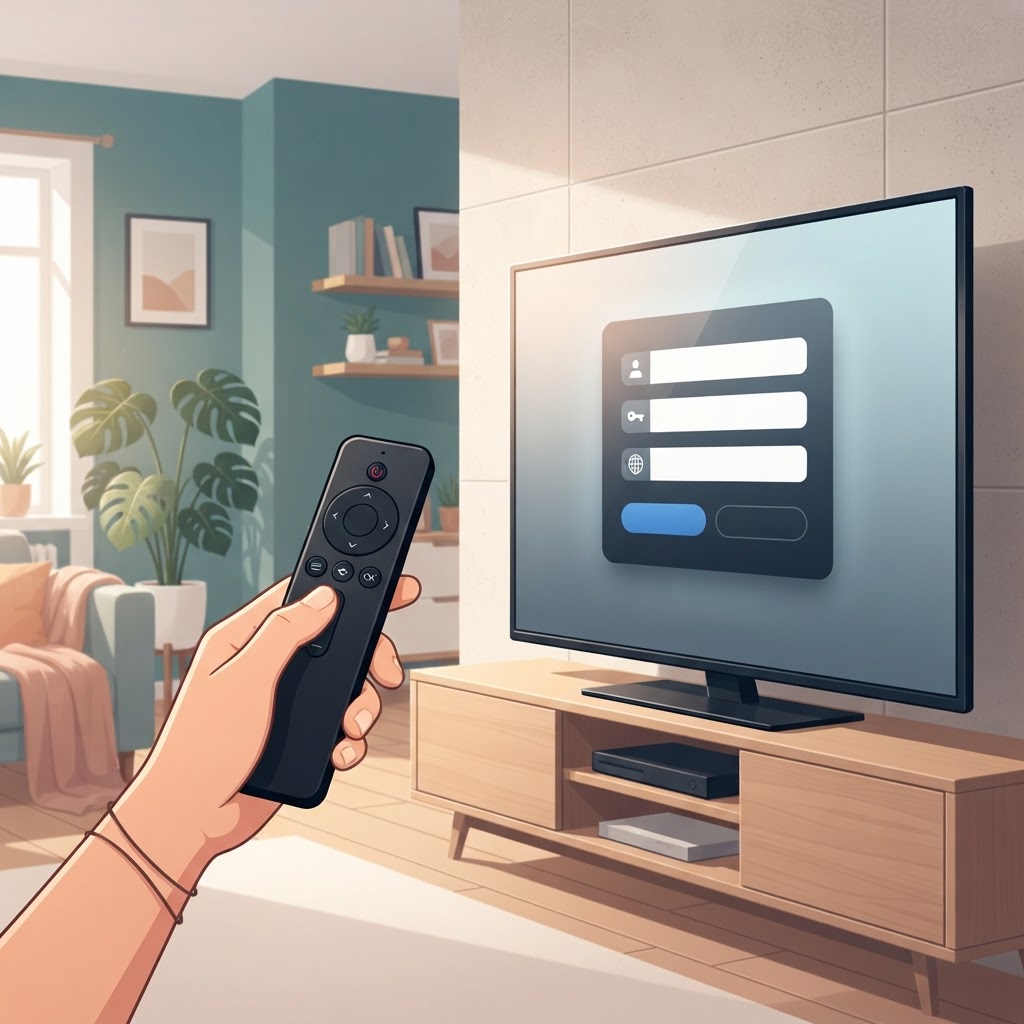
After opening your chosen player, you will be asked to add a user or playlist. Most premium services in Ireland use one of two methods to deliver content: Xtream Codes API or M3U Playlists.
Using Xtream Codes (Recommended)
This is the easiest method. You will simply enter:
- Any Name: (e.g., "IPTV Ireland")
- Username: Provided in your welcome email.
- Password: Provided in your welcome email.
- Server URL: The web address provided by your service.
Using M3U URL
If your provider gives you a long web link, you will select the "M3U Playlist" option and paste the entire URL into the app. Once entered, the app will take a few moments to download the channel list and the EPG data.
Setup for Samsung and LG Smart TVs
If you prefer not to use an external stick, you can install apps directly on your TV. For Samsung (Tizen OS) and LG (webOS), look for apps like Smart IPTV, IBO Player, or Nanomid in the respective app stores.
Unlike Android devices, these apps often require you to upload your playlist via a website using your TV's MAC Address. You can find detailed open-source instructions for various TV models on GitHub.
Final Tips for Irish Streamers
To ensure a buffer-free experience, we recommend a minimum internet speed of 25 Mbps for HD streaming. If you encounter "freezing," it is often helpful to use a reputable VPN to bypass local ISP throttling. For advanced users looking to manage their own media libraries alongside IPTV, platforms like Kodi or Jellyfin offer excellent integration options.